Food history that actually works on a phone (v0.3.0)
The food history table was unreadable on a phone. It is no longer unreadable on a phone.
Dec. 22, 2025
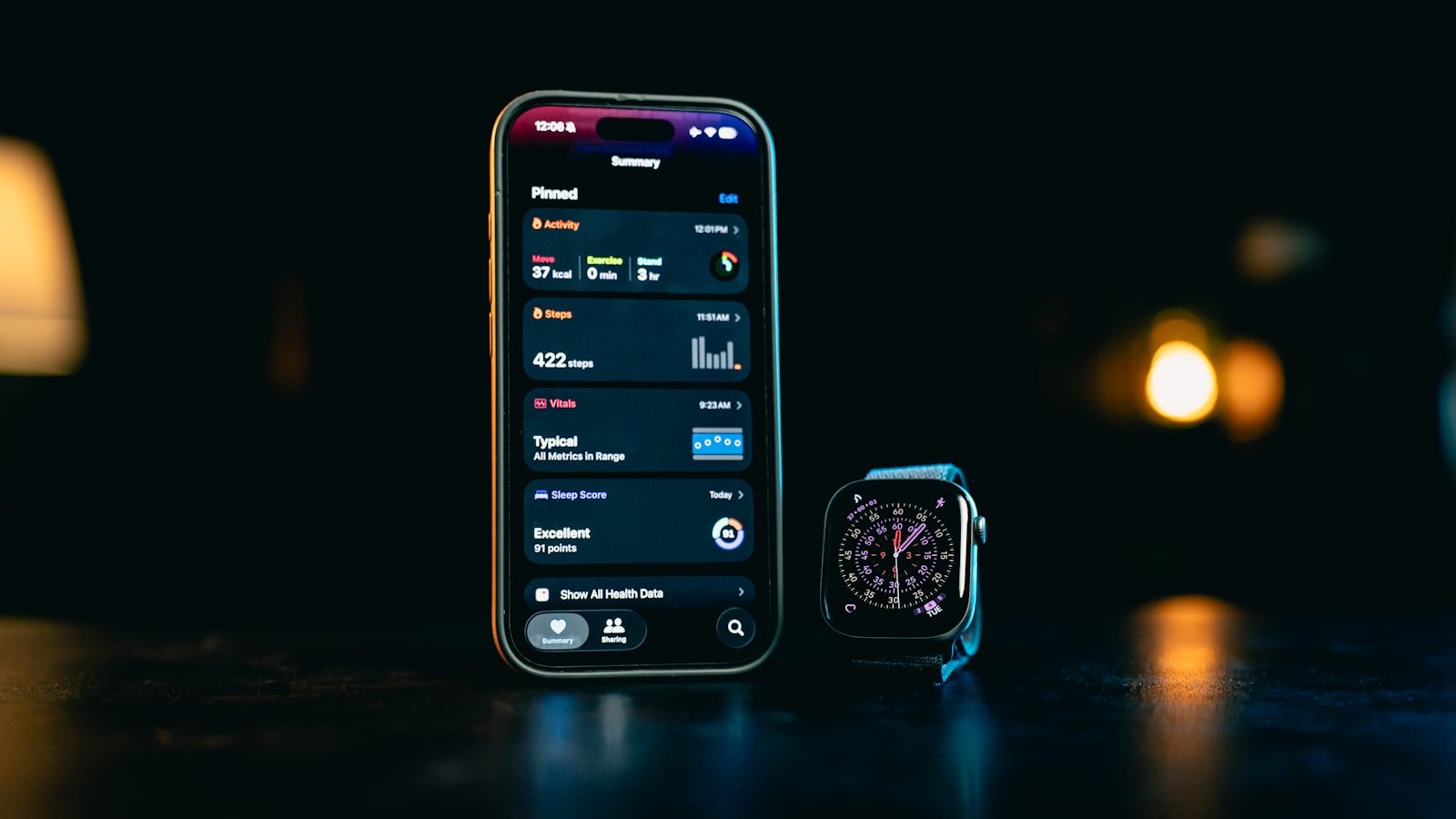
Honest admission. For a few weeks after launch, the food history page on mobile was a horizontal scrolling mess. Columns ran off the right edge of the screen. The little daily totals at the top of each day were getting cropped by the chart. The dates wrapped in ways that looked broken.
I knew about it. I kept putting off fixing it. This release is me finally fixing it.
The columns now collapse into a stacked layout on small screens. Each food item gets its own card with the time, the name, and the calories. Tap to expand if you want the full macro breakdown. Edit and delete sit where your thumb can reach them.
The daily nutrition chart at the top also got a layout pass. It now sizes properly to the screen and stops eating into the rest of the page. Caffeine made it onto the chart while I was in there.
If you mostly use Eat My Words from your phone, this one is for you. It should feel like an actual app now, not a desktop table squeezed sideways.
by Boyd Thomson